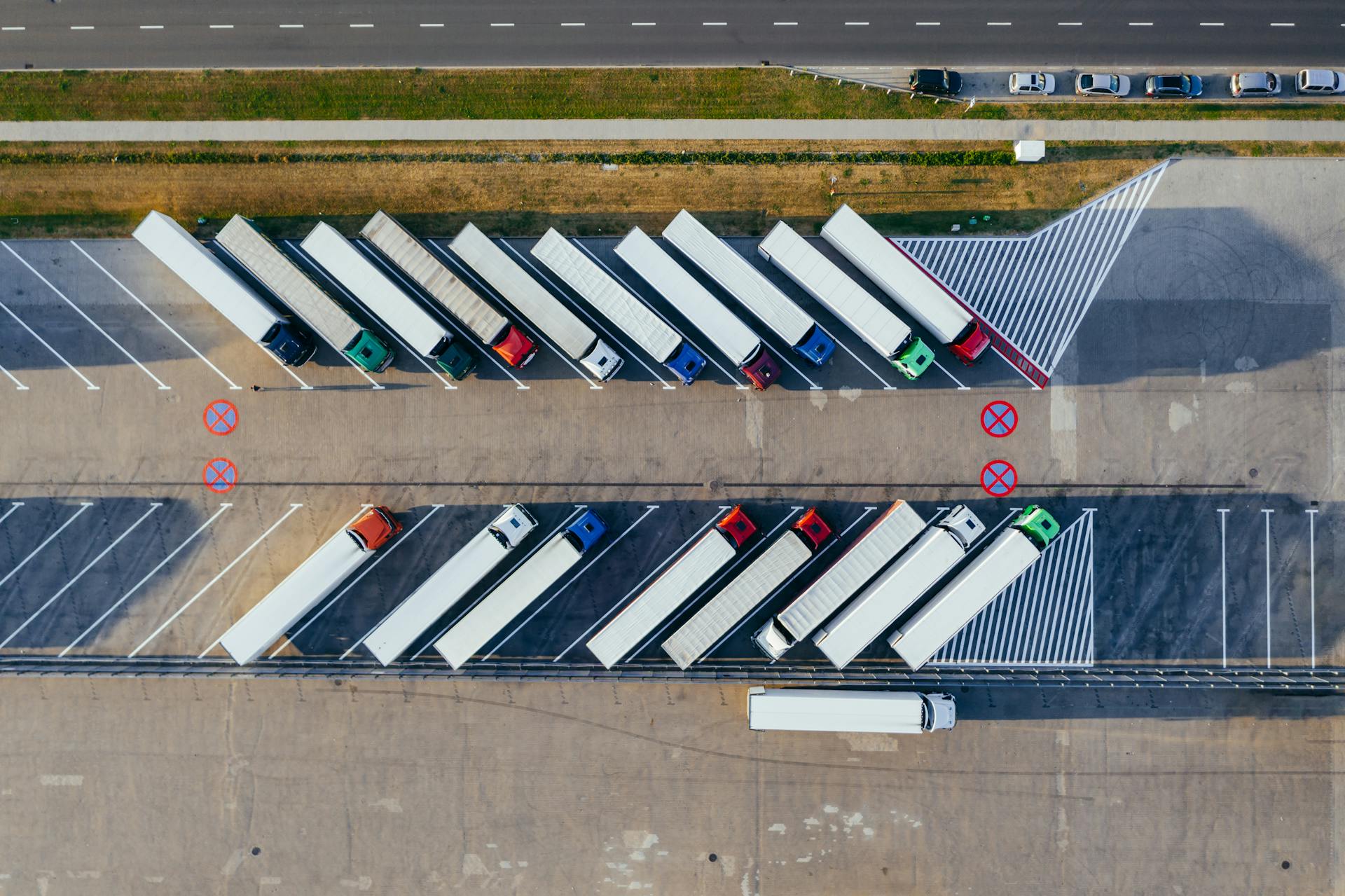
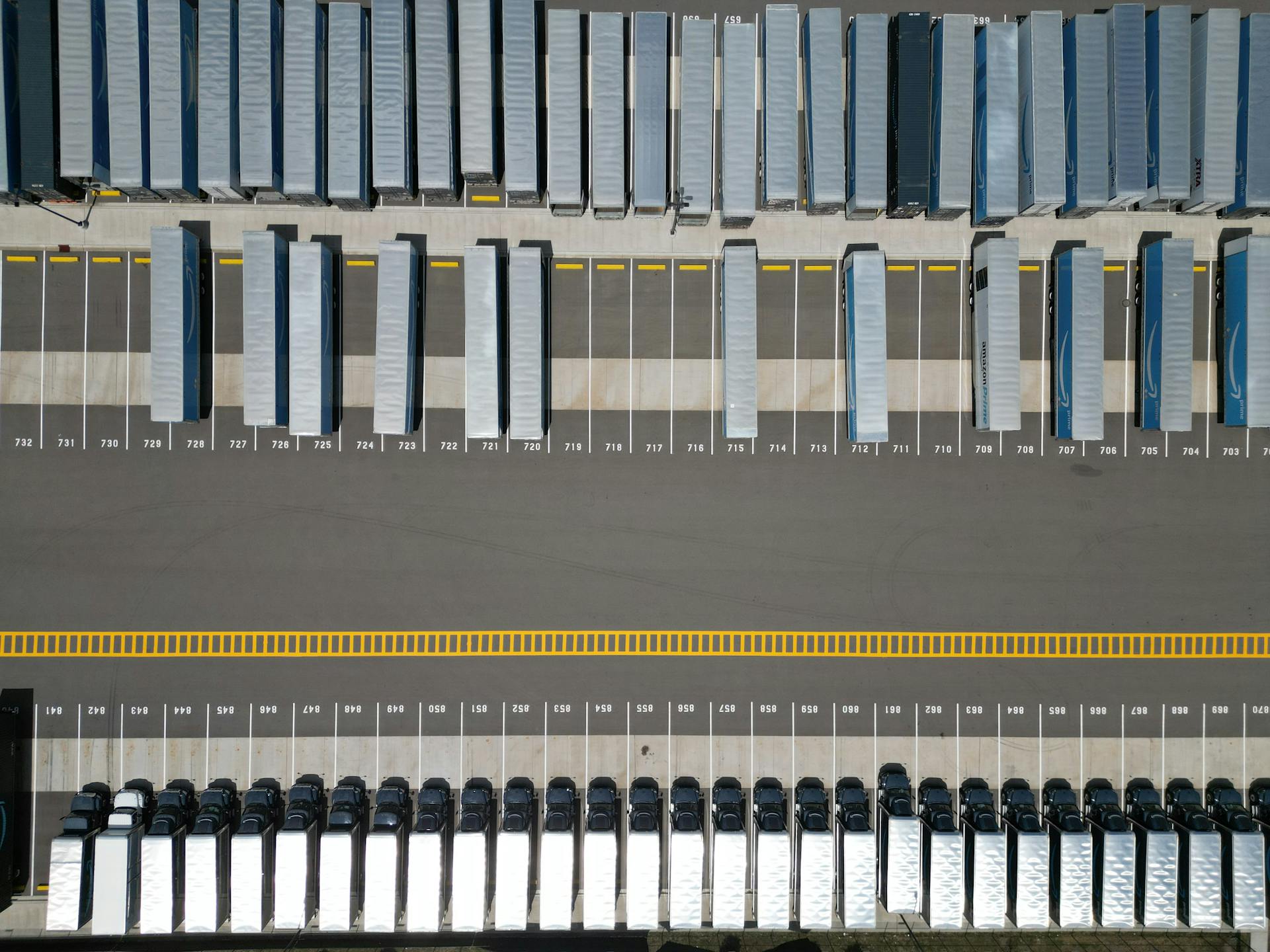
Aerial view of semi-trucks parked at a freight yard

Your yard and your systems, connected.

Know what's coming. Control what happens next.

Book, check in, assign a door, close out — every team and your ERP see the same update, without rebuilding the story in phone calls and spreadsheets.

Live visit example
Visit status

BOOKED

You know what is coming before the truck arrives

ETA 09:18Dwell —Partner request
One truck, one flowSample facility · 124 dock doors

TR-8842PO 44821NorthLineDoor B08BOOKED

BookedPartner
InboundOn road
GateLanes 1–4
StagingZone N-4
DockRow B
OutputDispatch
ExitGate-out
What is happening now
BookingPartner request captured with the facts your gate needs

Carrier, trailer, PO, shipment, freight, and documents are captured before the gate gets surprised.
Partner viewCarrier sees the update — no status call needed
Printouts and closeout
Gate / dispatch printoutGate pass, BOL, visit sheet
Gate and dock attachmentsPhotos, POD, driver documents
Dock assignment noticeWarehouse notified when B08 is assigned
ERP closeout updateSystem event when the truck gates out

Built for yard teams

See the whole visit. Act before it costs you.

Yard management and partner booking stay in sync. Your team stays in control; gate, map, documents, and ERP get the same update.

One connected flow for the whole visit

From the carrier request to gate-out, every step stays in sync — not on a guard clipboard and three spreadsheets.

Gate, yard map, and partner booking stay on the same truck — no second spreadsheet.
  • Partner request through closeout in one place
  • Dwell and delays visible to yard and carrier
  • Status carriers can trust without calling the gate

See problems while there is still time

Missing paperwork, lane conflicts, no-shows, and stalled closeouts surface live — not after the detention invoice.

Dwell, documents, and lane issues surface early — your team decides what happens next.
  • Rules from your site, freight, and document policy
  • Open issues show how long they have been waiting
  • Your team decides the next move

Gate to dock on one map

Staging, door assignment, and who is actually in the spot share the same yard view your team already runs on.

Staging and doors follow live occupancy — operators stay in control.
  • Assigned spot vs truck actually there
  • Door ready before the truck reaches the apron
  • Printouts and photos tied to each step

Closeout follows the truck

Gate passes, PDFs, alerts, and ERP events fire from what actually happened on site — not from someone ticking a checkbox.

Printouts and ERP events follow what happened on site — your rules decide what sends.
  • Gate pass, BOL, and dispatch pack when rules say so
  • Partners and ERP get the same times and door
  • Audit trail when finance asks what happened

Why it matters

Your yard already runs on trucks, doors, and paperwork. They should stay in sync.

Gate teams, yard jockeys, dock coordinators, carriers, and finance often look at different screens. Connect gate-in, staging, door, freight, and closeout — so everyone answers the same question: where is this truck, and what happens next?

Gate facts before the truck moves Staging and doors on the yard map ERP updates when you gate out

Industry pressure

Waiting at the yard is expensive — and well measured.

These numbers are from transportation and supply chain research — not customer results from us. They explain why gate, yard, dock, and closeout need to stay in sync.

39.3%Stops where drivers reported detention

In 2023, drivers said they waited more than two hours beyond schedule on 39.3% of stops (ATRI, using 2023 detention data).

ATRI, Costs and Consequences of Truck Driver Detention, 2024
135M+Hours lost to detention (for-hire trucking)

For-hire trucking lost more than 135 million driver hours to detention in 2023.

ATRI, 2024
$15BEstimated annual detention cost

ATRI estimates $11.5B in lost productivity and $3.6B in direct costs tied to detention in 2023.

ATRI, 2024
6.2%Higher crash risk when dwell rises

U.S. DOT OIG cited research estimating a 6.2% higher expected crash rate when average dwell rises 15 minutes.

U.S. DOT Office of Inspector General, 2018
On a busy yard, this is what breaks
  • Carrier calls asking “where’s my truck?”Live status everyone sees — gate, staging, door, gate-out.
  • Guard log ≠ what the warehouse seesSame gate-in time, lane, and trailer ID for yard and dock teams.
  • Trailer sits in staging — nobody owns the waitStaging zone and dwell aging visible before detention.
  • Door B08 on paper, truck at another bayDoor assignment and yard map presence on the same live update.
  • ERP updated after the truck leftPrintouts, attachments, and ERP events go out at gate-out.
Gartner & data quality

Why data quality shows up at the gate

Gartner has reported that poor data quality undermines supply chain decisions and predictive tools — and that many yards remain a visibility gap between the warehouse and the road.

The yard is often a “black hole” where companies lack visibility to activities, inventory, and equipment.

Gartner, Market Guide for Yard Management (summarized in industry publications)
$12.9MAverage annual cost of poor data quality per organization (Gartner, 2020 enterprise survey).

Wrong gate time, door, freight line, or departure means partners and ERP get the wrong story.

We do not invent these savings. When gate times, door, dwell, and documents stay connected, yards and carriers act before delay turns into disputes and phone calls.

Industry research — not customer results from FlodockSources: ATRI (2024, 2023 data), U.S. DOT OIG (2018), Gartner (2020; Market Guide for Yard Management)

What your team tracks every day

Everything from gate-in to gate-out.

The same fields your operators use every day — visible to your yard and your carriers.

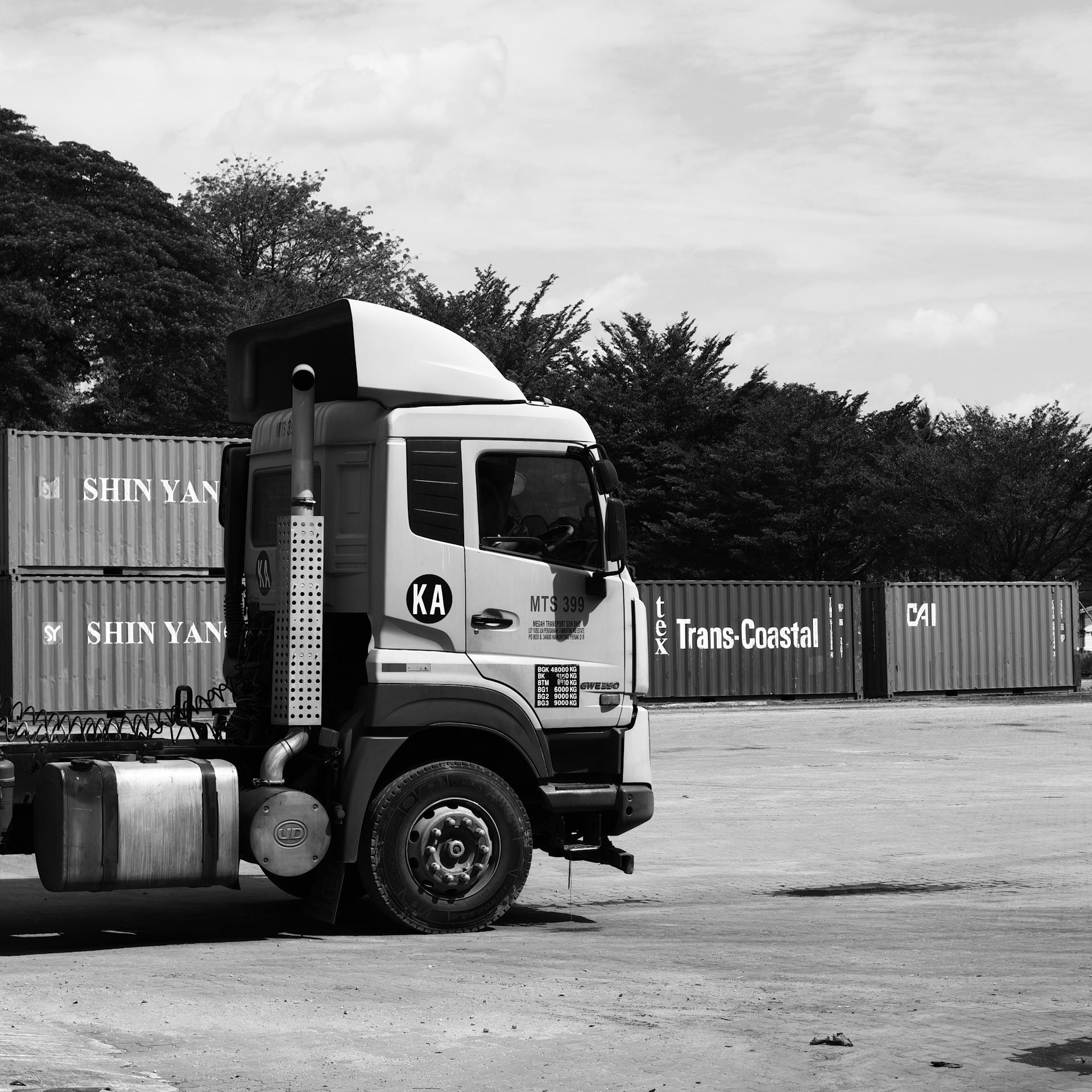
  • Semi-truck at a shipping yard gate
    Gate Gate-in and gate-out times

    When the truck entered and left — visible to everyone, not a side spreadsheet.

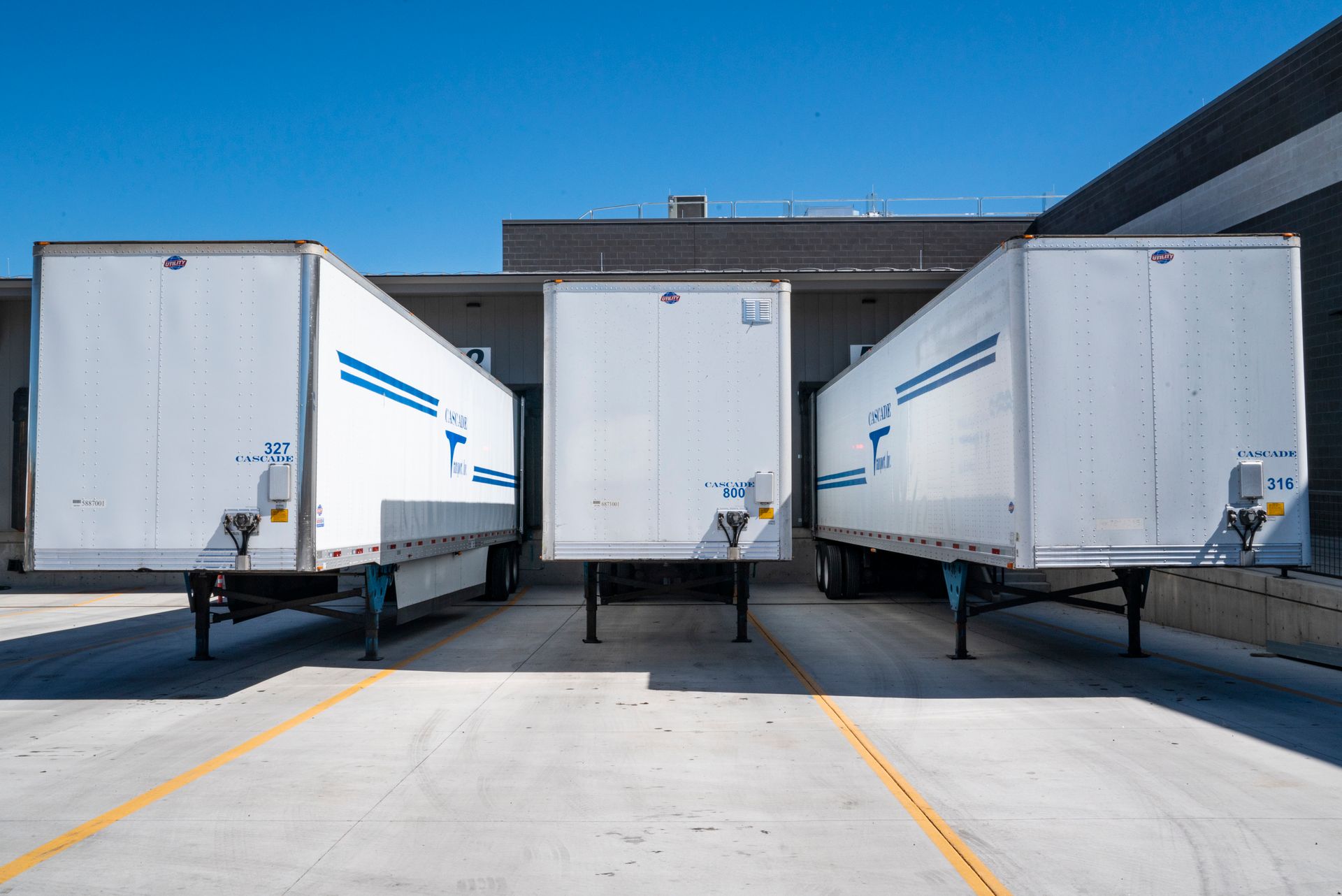
  • White enclosed trailers at an industrial shipping dock
    Door & zone Door and spot assignment

    Which door or zone the truck should use — visible to yard teams and carriers.

  • Colorful trucks in a freight yard, high angle
    Visit status Partner request through closeout

    Carriers and your yard see the same status — from request to closeout.

  • Semi-trucks on a highway between facilities
    Freight Freight lines on site

    Article, quantity, BOL, batch, and lot while the truck is on site.

  • Aerial view of shipping containers and freight infrastructure
    Yard map Yard map: who is where

    See assigned spot, truck on site, informal use, or a conflict.

  • Loading dock with forklift handling freight
    Outputs Printouts and ERP sync

    Notifications, attachments, and ERP events go out automatically.

How a visit runs

From booking to gate-out — step by step.

Carriers see a simple status. Your gate, yard, and dock teams share the same facts — times, door, freight, and closeout.

01 Partner

Book

Carrier books a slot with the facts you need before arrival.

02 Rules

Check

Yard rules flag missing documents or schedule risk early.

03 Gate

Gate

Guard captures driver, trailer, lane, and freight in one place.

04 Yard

Move

Yard stages the truck and assigns a door — everyone sees it.

05 Done

Close

Printouts, gate-out, and history close on the same update.

When something stalls

Everyone sees the same delay — not a different story.

Gate, yard, dock, carrier, and ERP see one signal. No-shows, missing documents, long dwell, and late closeouts do not hide behind separate logs.

Yard alerts Live
Gate Trailer cleared at Lane 2

TR-8842 matched PO, freight, and required documents.

Dock Door B08 assigned

Yard and warehouse see the same door and time.

Closeout Dispatch pack ready

Printout and ERP update go out automatically.

Outputs

When the truck moves, the right paperwork follows.

Yard management should not end at a status flag. Gate capture, dock progress, freight lines, and gate-out become printouts, attachments, alerts, and ERP events — automatically.

  • Updates follow what happened on site — not manual re-entry
  • Carriers and partners see the same status as the gate
  • ERP gets door, dwell, PO, and documents at gate-out
Built for real gate-to-dock yards Industry numbers are sourced — not made-up customer claims
Forklift at a loading dock during freight handling
  • 01 Yard & dock Printout and PDF

    Gate pass, BOL, visit sheet, and dispatch pack — ready when you need them.

  • 02 Documents Attachments

    Photos, POD, driver ID, and proof — linked to gate and dock events.

  • 03 Live Alerts

    Dock, carrier, and partner notices when status or dwell changes.

  • 04 Integrations ERP and system sync

    Events and partner updates with PO, door, dwell, and documents when the visit closes.

  • SAP / ERP
  • TMS and partner APIs
  • Email alerts
  • Print stations

Request demo

Walk us through your yard.

Tell us about your gates, appointment volume, dock doors, carrier calls, and how you close out visits today. We will walk through your site on your terms.

In the demo How gate-in and gate-out are captured onceHow staging, doors, and the yard map stay in syncHow dwell and delays show up before carriers callHow printouts, attachments, and ERP events go out automatically
hi@flodock.com Want a call? Add your number in the form.

Talk to our team

What do you want to see?
What hurts most today?
How should we reach you?