Carrier, trailer, PO, shipment, freight, and documents are captured before the gate gets surprised.
Product
Your yard, connected end to end.
From the carrier request to gate-out: appointments, gate capture, live yard map, dock movement, freight, documents, alerts, and ERP sync — gate, yard, dock, and carriers stay on the same update.
What your yard runs on
Everything from gate-in to gate-out — one connected system.
Gate, map, dock, partners, documents, and ERP — each part talks to the rest, so your teams stop rebuilding the story in calls and spreadsheets.
-
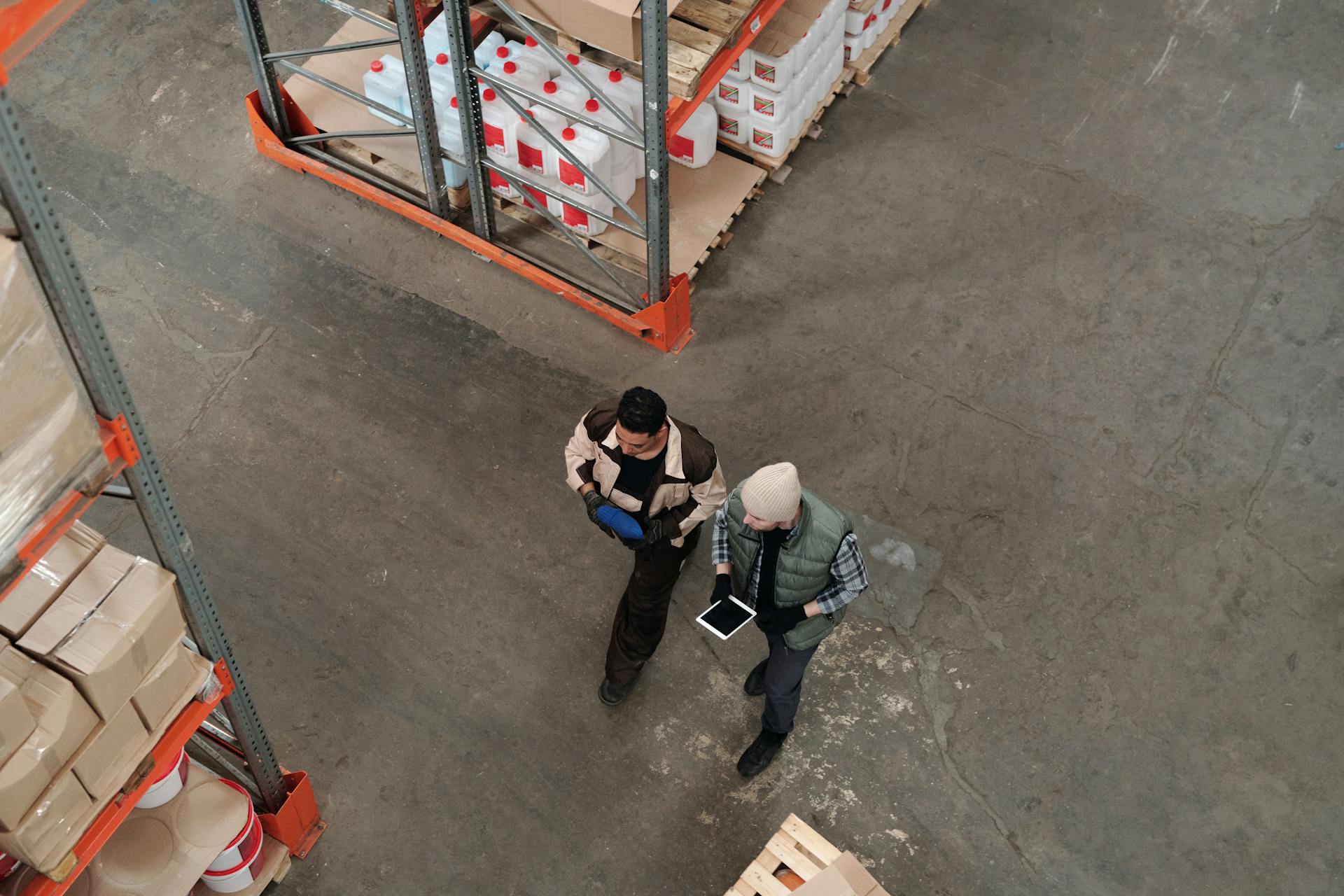 Gate team Capture once at the lane
Driver, trailer, lane, and documents — not a guard log the warehouse never sees.
-
 Yard map Who is where right now
Assigned spot, physical presence, conflicts, and dwell on one map.
-
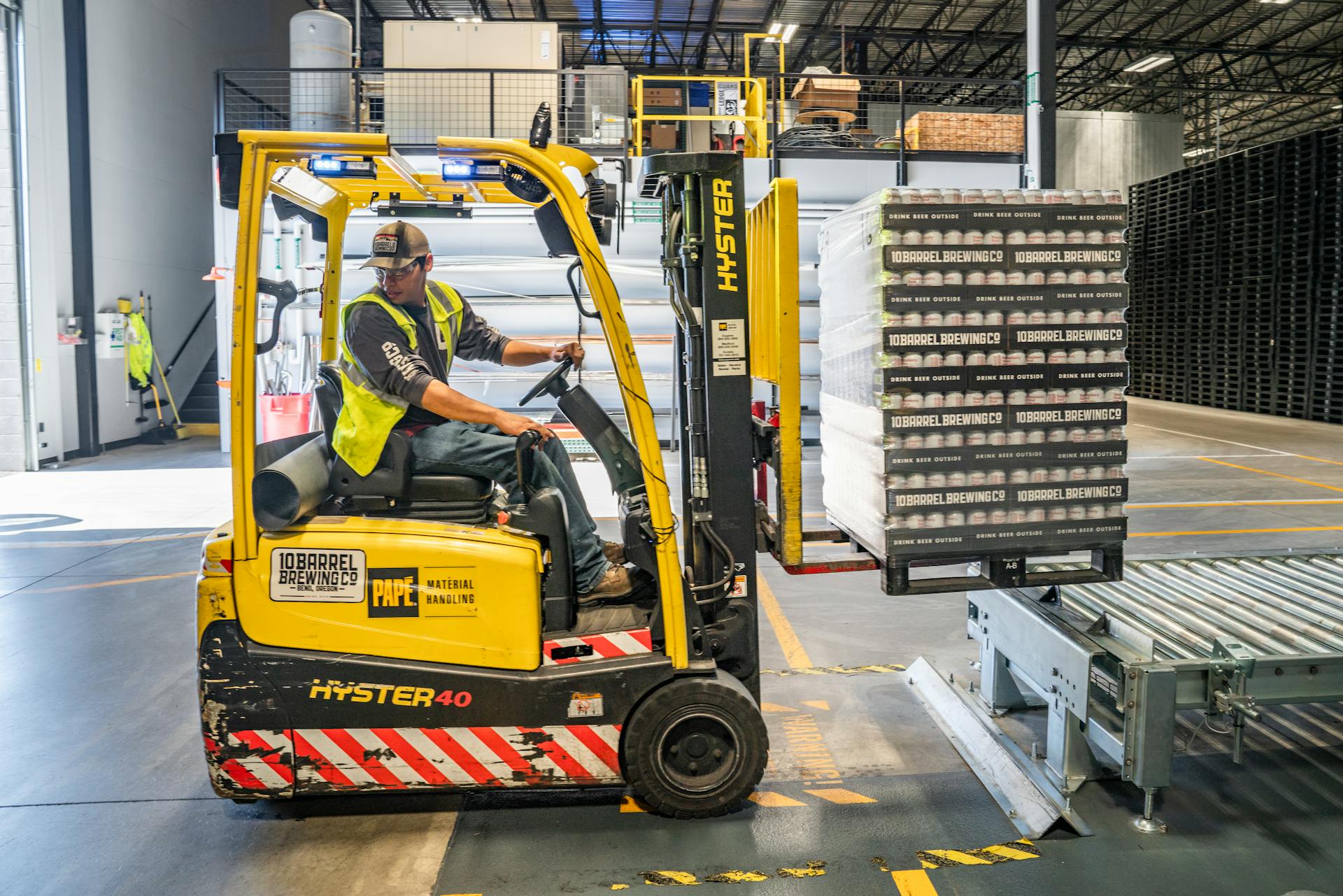 Dock crew Door readiness visible early
Forklift, door assignment, and warehouse loop on the same update.
-
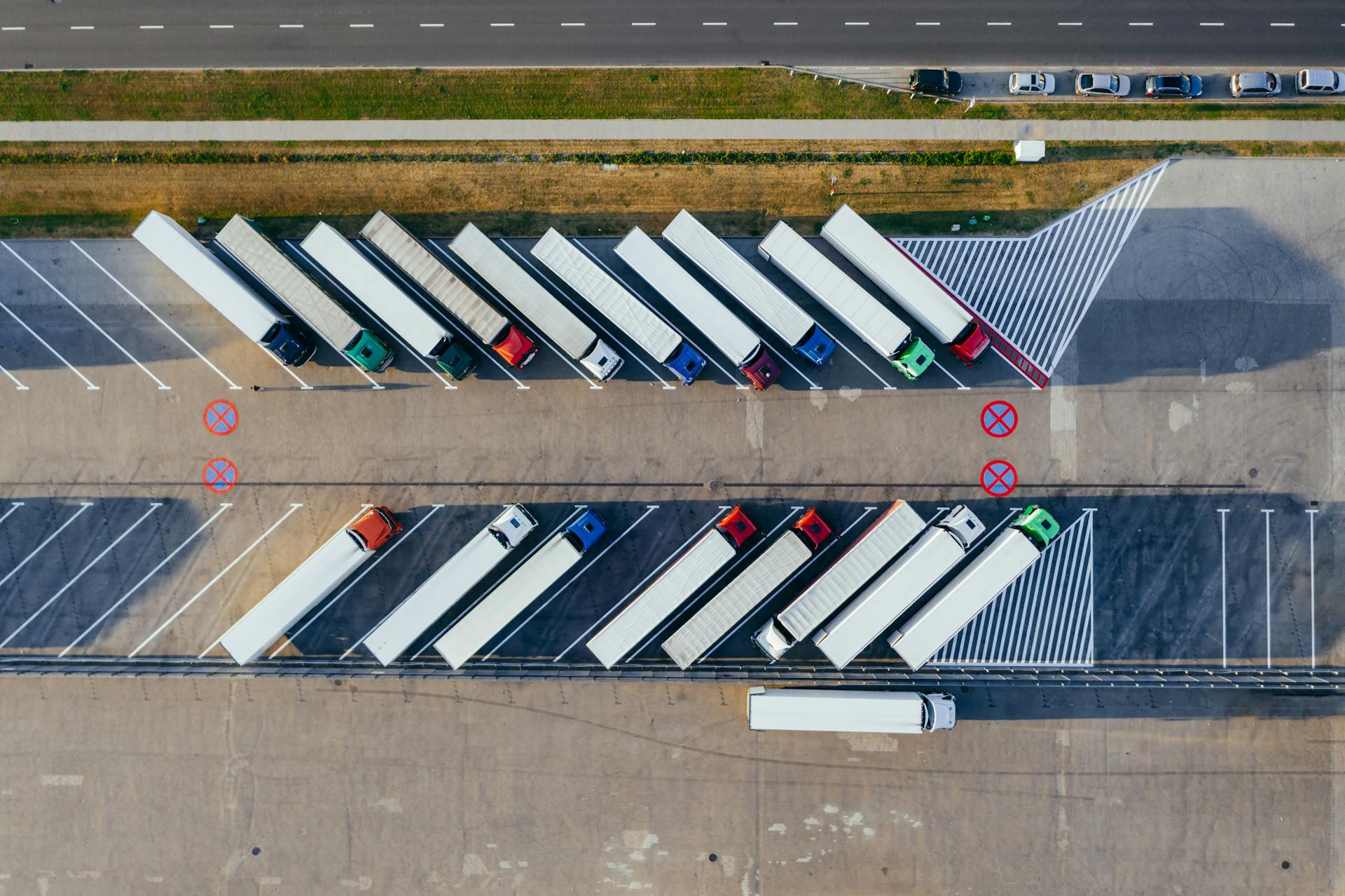 Partners Carriers follow the visit
Booking, confirmation, and gate-out without calling the yard office.
-
 Documents Proof stays with the visit
Signatures, POD, and attachments linked to gate and dock events.
-
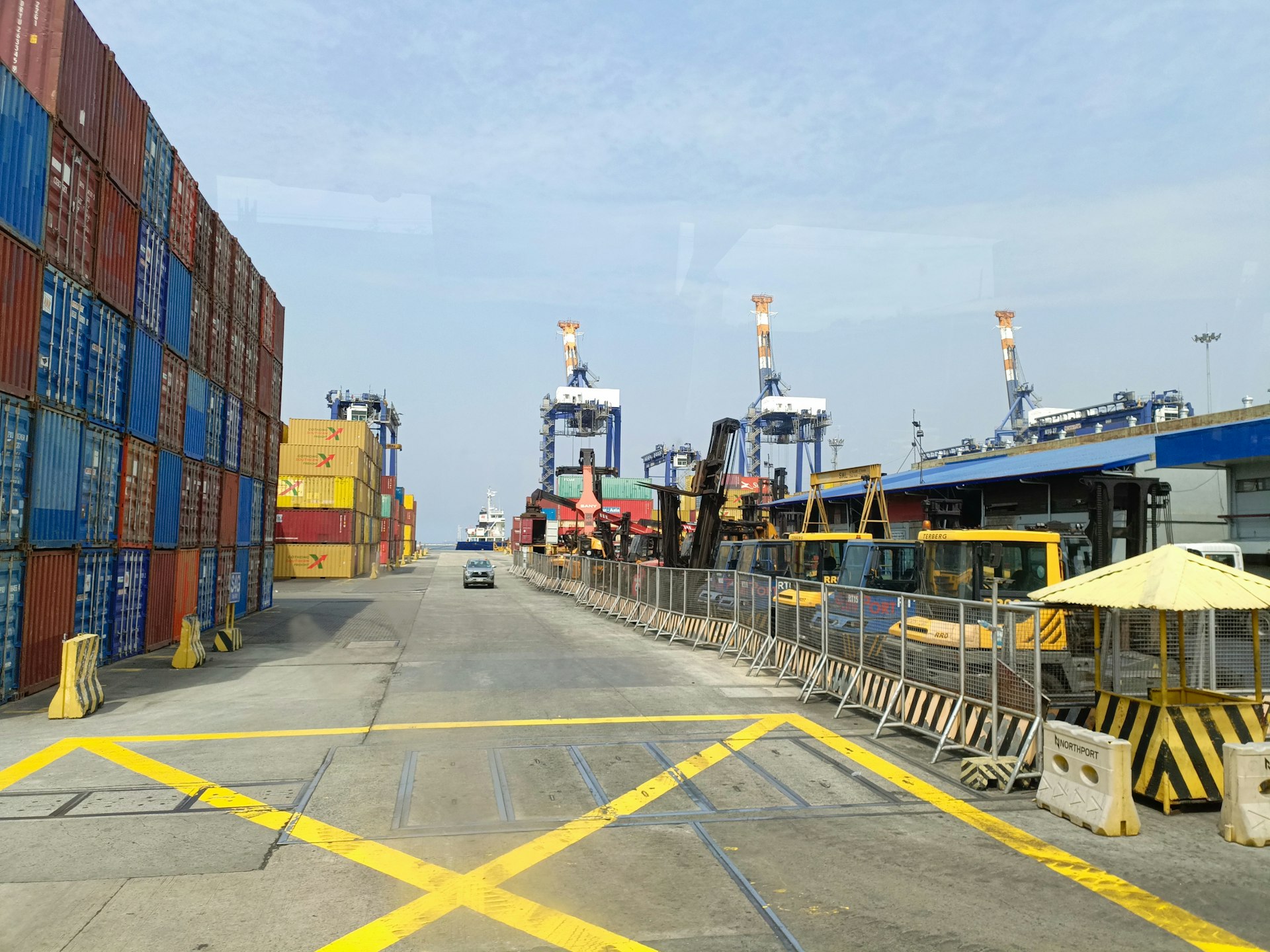 Closeout ERP updated when you gate out
Printouts and system events with PO, door, dwell, and documents.
Your team on the floor Yard management
Appointments, gate capture, and dock control — in one place.
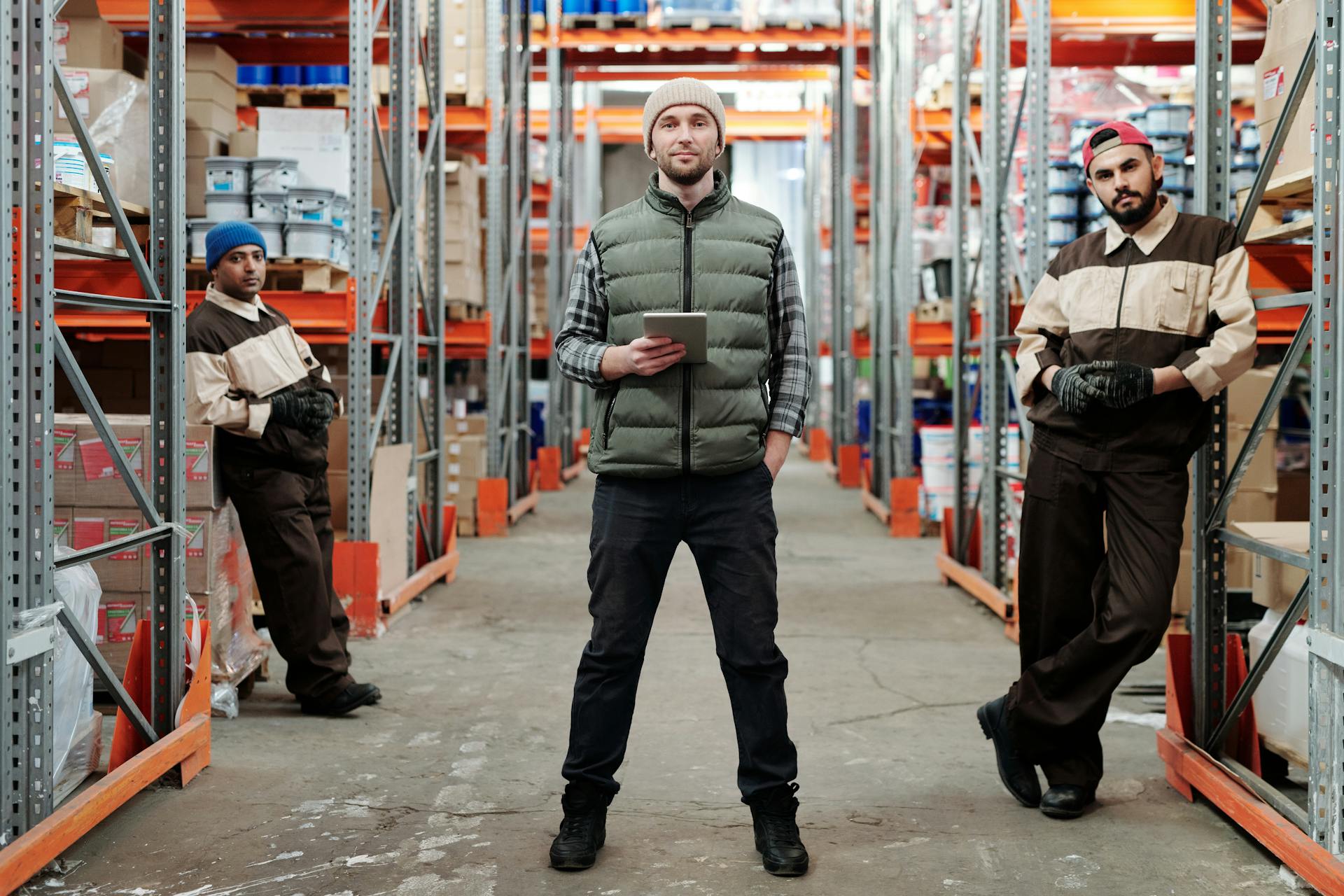
Review incoming work, check trucks in, capture gate facts once, assign doors or yard spots, and close gate-out — without rebuilding the story in calls and spreadsheets.
- Appointment queue with yard review or auto-confirm rules
- Gate-in and gate-out times everyone can see
- Driver, trailer, lane, PO, freight, and required documents
- Staging, door assignment, and exit stay in sync
 Your team on the floor
 Flodock Partners
Carriers book once and follow the visit — fewer calls to the gate.
Partners request slots against your live rules, see whether the yard accepted the visit, and follow check-in, door, and gate-out without calling for every update.
- Self-service booking with the facts your gate expects
- Requested, confirmed, checked in, at door, completed
- Auto-confirm or yard review — your policy decides
- Same live status the yard and warehouse already use
Live yard map
Zones, spots, and who is actually in the lot.
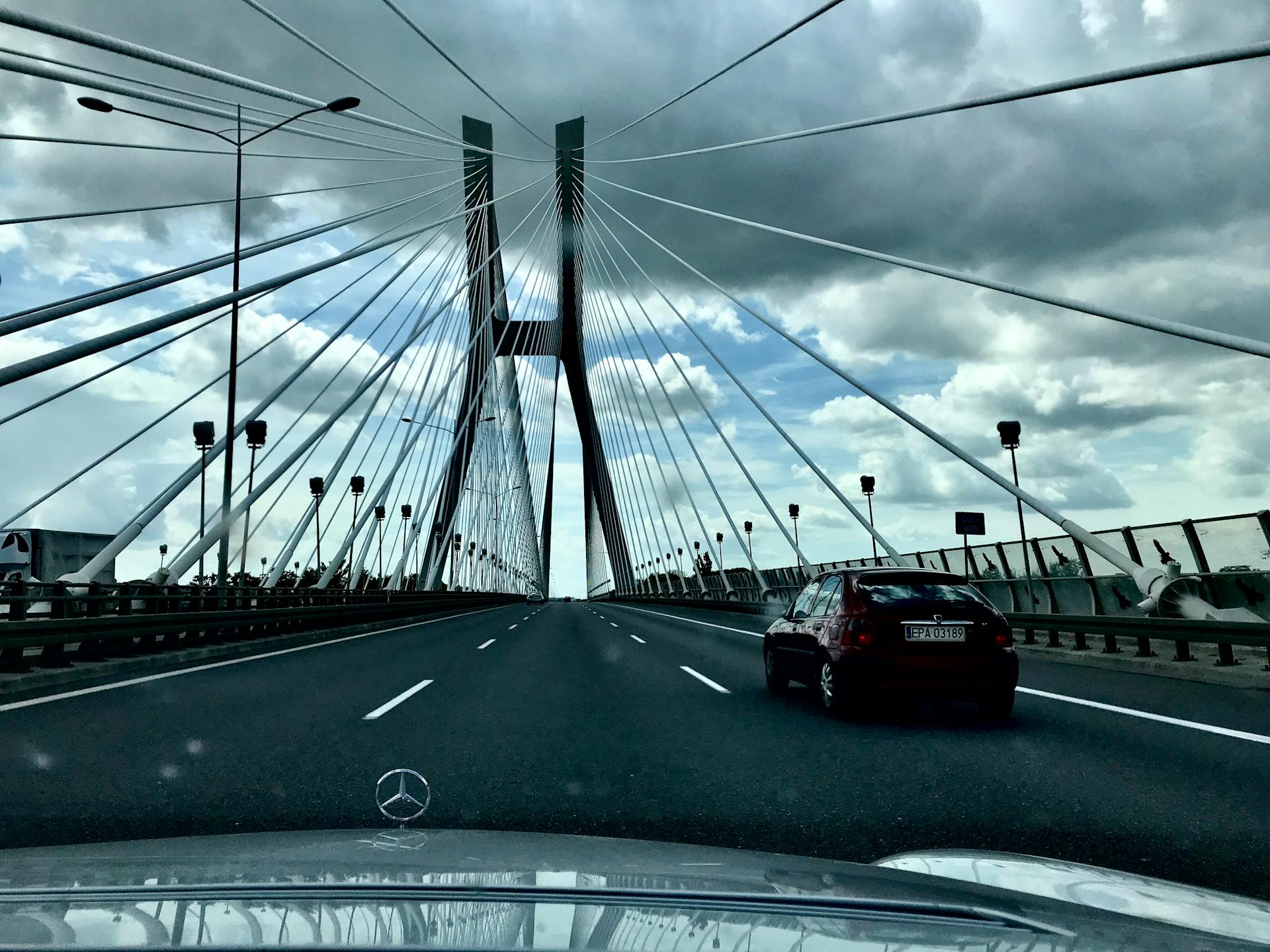
Live yard picture: occupancy, assignment, trucks on site, informal use, and conflicts — with dwell aging your team can act on before detention.
- Configure zones, spots, and doors for your site
- Assigned spot vs truck physically present
- Staging, informal use, and conflict visibility
- Dwell visible by stage — gate, lot, and door
Freight & documents
Freight lines and proof from gate to closeout.
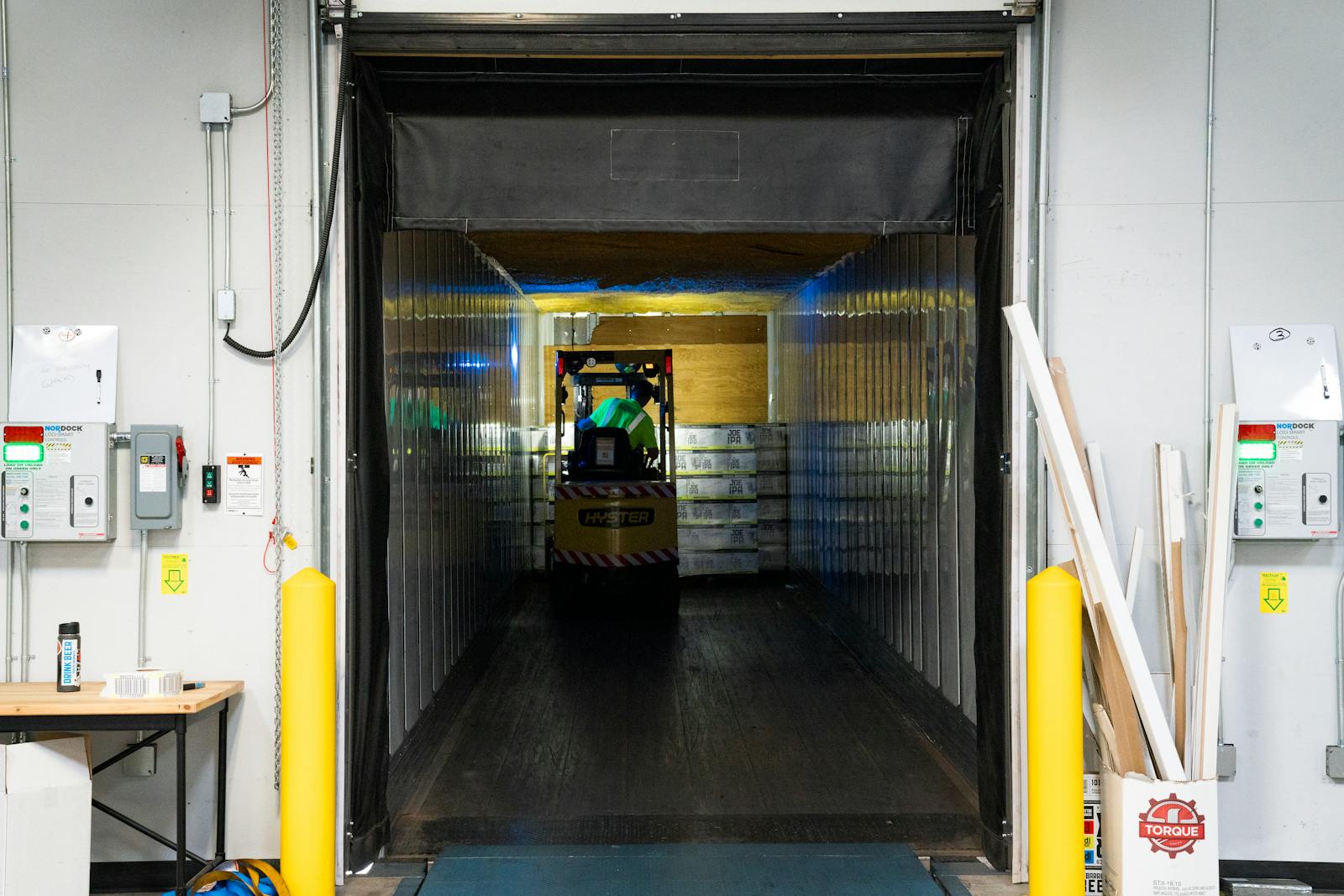
Capture article, quantity, BOL, batch, and lot while the truck is on site. Photos, gate passes, and POD stay linked to the visit — ready for your team and for ERP when you gate out.
- Freight lines captured on site — not a side spreadsheet
- Your material catalog and partner rules per site
- Photos, POD, driver ID linked to gate and dock events
- Required fields enforced before yard entry
Problems early
See problems while there is still time to act.
Missing paperwork, no-shows, lane pressure, and stalled closeouts surface live — with rules from your site, not hardcoded in the UI.
- Site policy: required fields, labels, and allowed actions
- Open issues show how long they have been waiting
- Dwell, documents, and lane problems before disputes
- Your team decides the next move
Your team on the floor ERP & closeout
When the truck moves, the right paperwork follows.
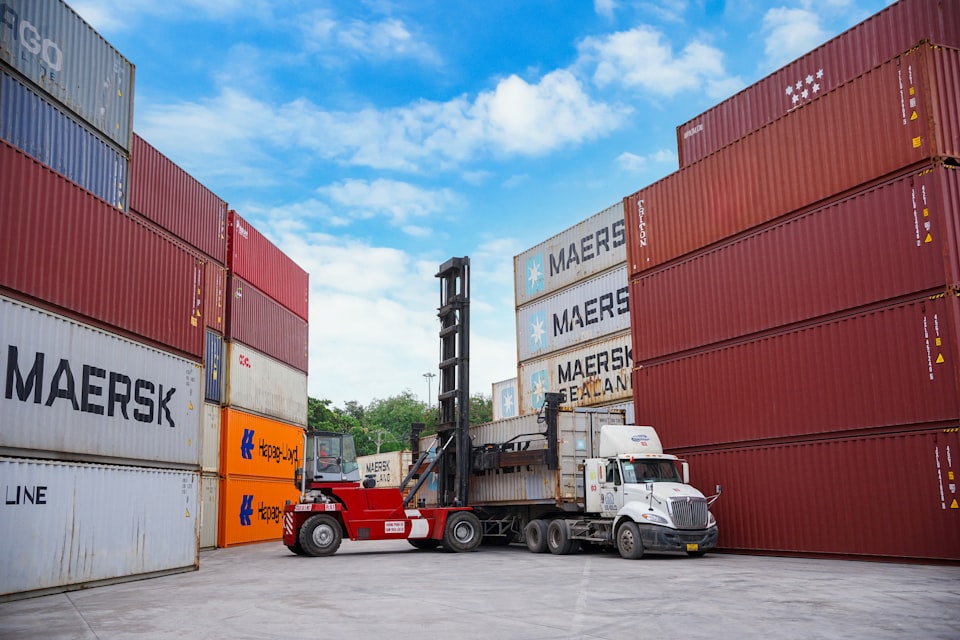
Gate passes, PDFs, alerts, and ERP events fire from what happened on site — printouts and attachments go out when your rules say closeout is done.
- Gate pass, BOL, visit sheet, and dispatch pack
- Dock and carrier alerts when status or dwell changes
- SAP, ERP, TMS, email, and your other systems
- Audit trail when finance or the carrier asks what happened
Live visit example
Watch one truck move through your yard.
Gate, yard, dock, and partners see the same live update. Status, dwell, documents, and closeout change at each step — not on a separate guard log or spreadsheet.
Visit status
BOOKED
You know what is coming before the truck arrives
One truck, one flowSample facility · 124 dock doors
TR-8842PO 44821NorthLineDoor B08BOOKED
BookedPartner
InboundOn road
GateLanes 1–4
StagingZone N-4
DockRow B
OutputDispatch
ExitGate-out
What is happening now
Printouts and closeout
Gate / dispatch printoutGate pass, BOL, visit sheet
Gate and dock attachmentsPhotos, POD, driver documents
Dock assignment noticeWarehouse notified when B08 is assigned
ERP closeout updateSystem event when the truck gates out
How a visit runs
Book → gate → move → close — step by step.
Carriers see a simple status. Your yard keeps the full picture in one place.
01 Partner
Book
Carrier books a slot with the facts you need before arrival.
02 Rules
Check
Yard rules flag missing documents or schedule risk early.
03 Gate
Gate
Guard captures driver, trailer, lane, and freight in one place.
04 Yard
Move
Yard stages the truck and assigns a door — everyone sees it.
05 Done
Close
Printouts, gate-out, and history close on the same update.
Outputs & integrations
Closeout follows what happened on site.
Printouts, attachments, alerts, and ERP events go out when your rules say gate-out is done — with PO, door, dwell, and documents attached.
- 01 Yard & dock Printout & PDF
Gate pass, BOL, visit sheet, dispatch pack — ready when you need them.
- 02 Documents Attachments
Photos, POD, driver ID — linked to gate and dock events.
- 03 Live Alerts
Dock, carrier, and partner when status or dwell changes.
- 04 Integrations ERP update
Events with PO, door, dwell, and documents at gate-out.
- SAP / ERP
- TMS & partner APIs
- Email alerts
- Print stations
Walk us through your yard.
Tell us about your gates, appointment volume, dock doors, carrier calls, and how you close visits today. We will show gate, map, freight, and outputs on your terms.